Frequency Sweep Test — automatically sweep 20Hz to 20kHz to test speaker frequency response. Find rattles, dead spots, and resonance issues. Free, browser-based, Web Audio API.
📊 Frequency Sweep Test
Run a 20Hz–20kHz frequency sweep test to check speaker response, rattles, dead spots, and resonance.
🛒 Test complete? Check these recommendations
Curated high-rated audio gear · Live prices
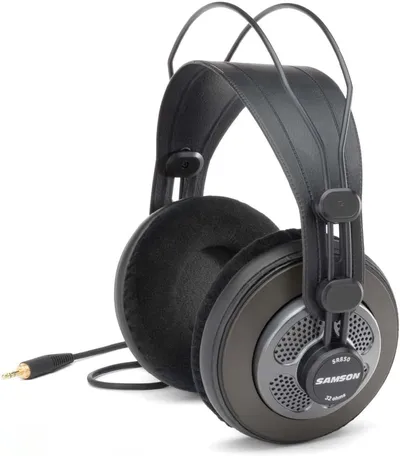
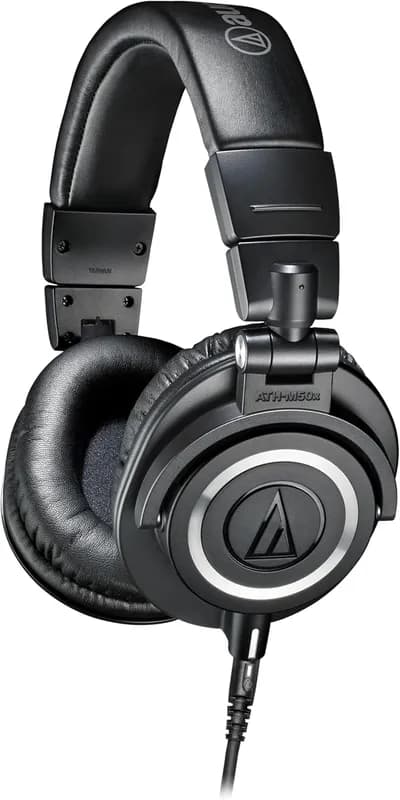
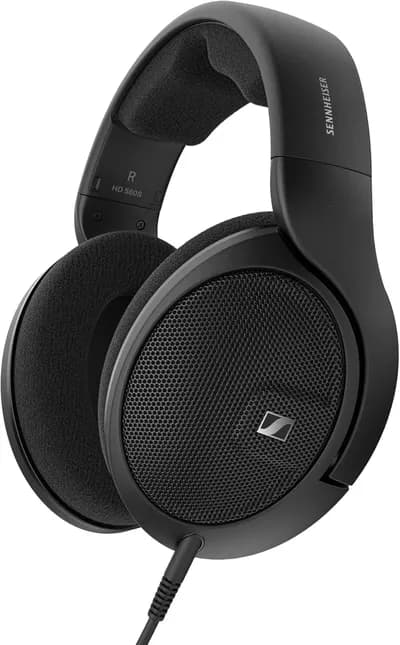
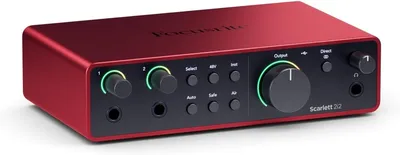
As an Amazon Associate we earn from qualifying purchases. Prices as displayed on Amazon.
💡 What Can You Test With a Frequency Sweep?
Speaker Diagnostics
Sweep through the full frequency range to find rattles, buzzes, dead drivers, or crossover gaps. Identify exactly which frequencies trigger problems.
Room Acoustics Analysis
Discover room modes and standing waves — certain frequencies may boom or vanish depending on your room shape and speaker placement.
Studio Monitor Calibration
Verify your monitors produce flat, even response across the spectrum before mixing. Identify frequencies that need EQ correction.
Headphone Testing
Compare left and right drivers across all frequencies. Spot channel imbalances or frequency response mismatches between drivers.
Car Audio Tuning
Test your car's speaker system across the full range. Identify rattles from interior panels at specific frequencies.
Science & Education
Demonstrate the audible frequency spectrum, equal-loudness contours, and the physics of sound in classrooms and labs.